Patterns made to fit you, not the magazine.
Pick the garment, your size and your yarn. Tricot works out every stitch and walks you through it, in the terms your country uses.
We are finishing the last details. Very soon on your phone.
What it does for you
Everything you usually work out with a pencil, a calculator and several open tabs.
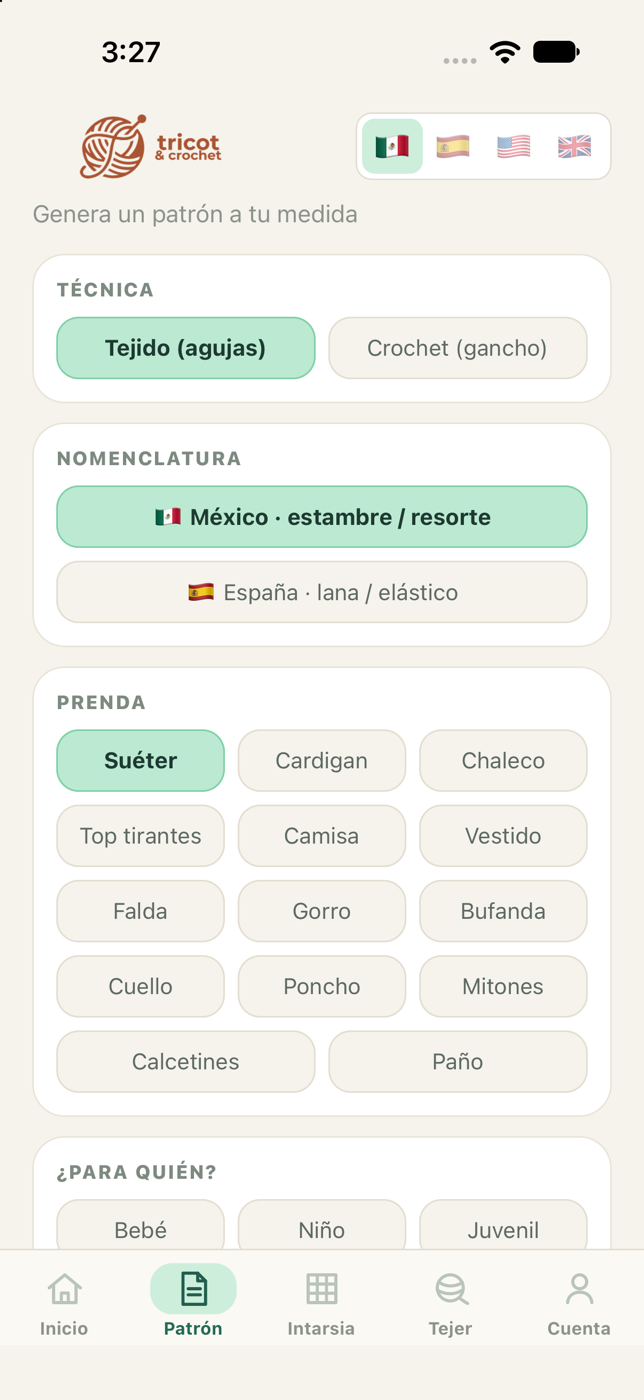
Made-to-measure patterns
Sweater, cardigan, vest, dress, socks and more. From baby sizes up to 5XL, with the fit you like.
Knitting and crochet
Needles or hook. In crochet you choose the base stitch and everything is recalculated: gauge, rows and yarn.
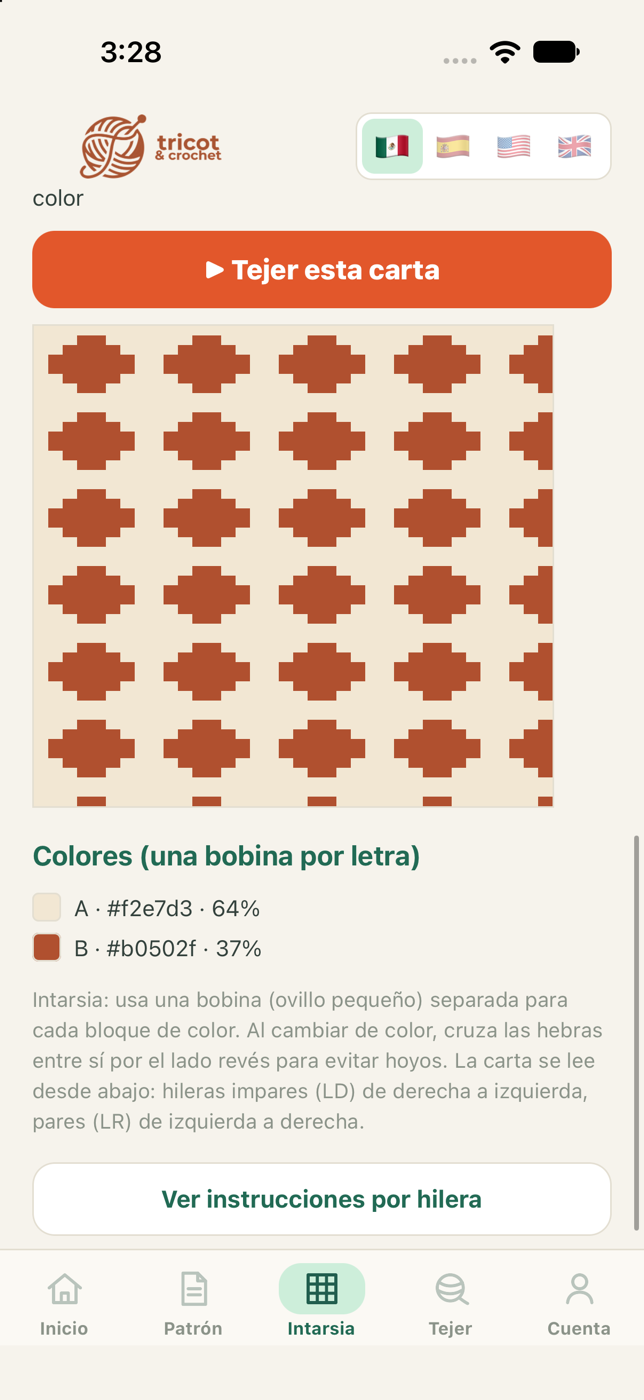
Draw your motif
Paint on the grid with your finger or turn a photo into a color chart, in the real proportions of the stitch.
No surprises
Every step comes with a stitch count to check against, plus an estimate of the yarn you will need.
Row counter
Keep several projects going and pick each one up exactly where you left it.
Export to PDF
Save or print your pattern to keep it next to your work.
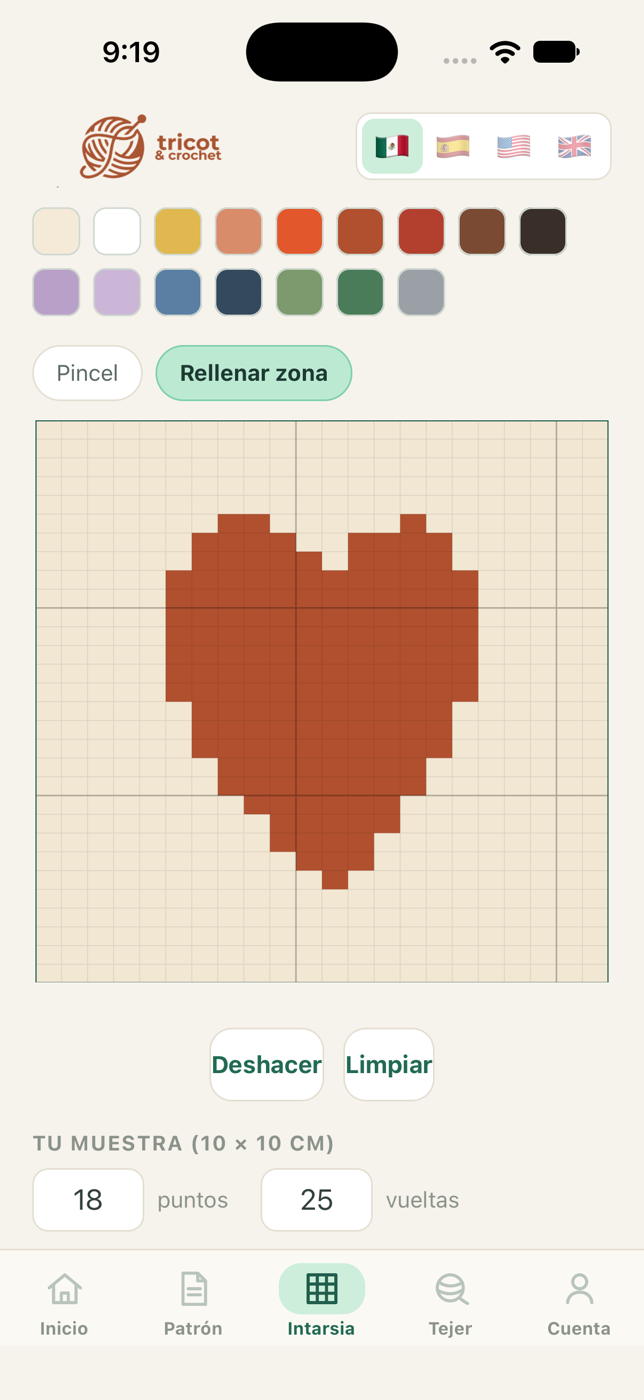
Draw what you want to make
Each square is one stitch, drawn in its real proportions, so what you see on screen is what you get.
- Brush and area fill
- Undo stroke by stroke
- The chart only asks for the colors you used
- Works for intarsia knitting and tapestry crochet
In the language of your craft
Bind off or cast off, gauge or tension — and in crochet, a British double crochet is a different stitch from an American one. Tricot writes every pattern in the terminology you use.
Support
Something not working, or have an idea? Write to hola@tricotcrochet.app and we will get back to you as soon as we can.
To delete your account and your data, open the Account tab in the app and choose Delete my account. It takes effect immediately.